Most Australian Businesses Are Automating the Wrong Things
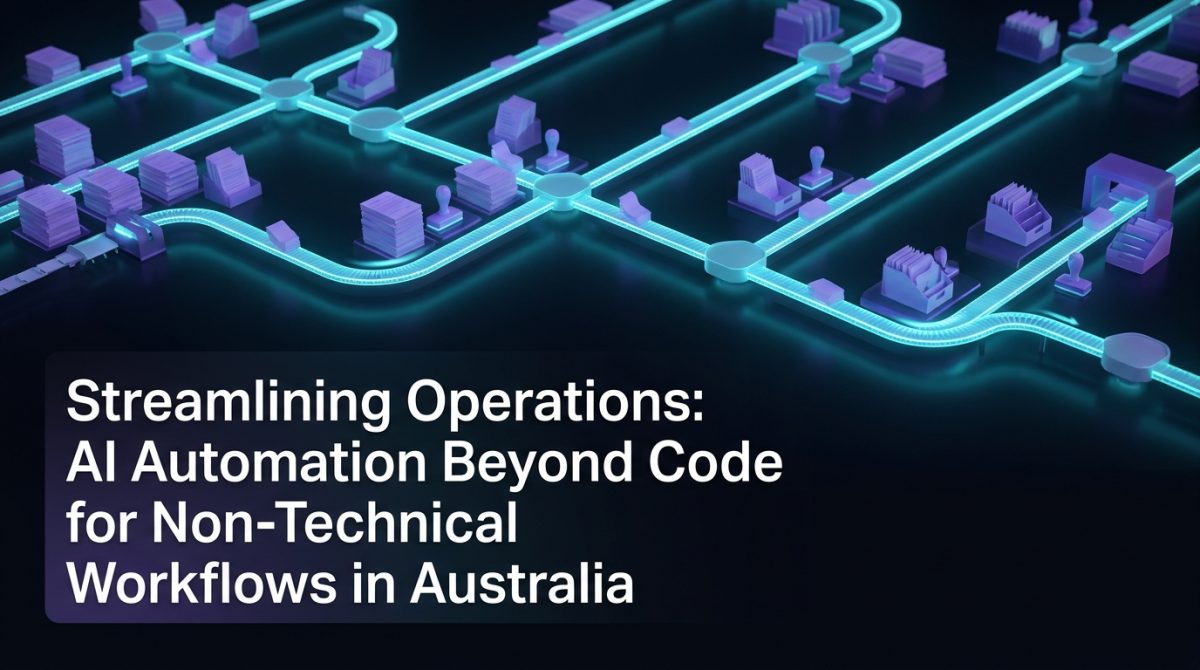
If you've spent time evaluating automation tools, you've probably noticed a pattern: most of the conversation centres on developers, APIs, and code. But the majority of time-consuming, error-prone work in Australian businesses happens in workflows that have nothing to do with software development - think onboarding checklists, supplier approvals, client reporting, compliance documentation, and internal communications. These are the processes where hours disappear and mistakes compound.
This is exactly where working with an ai automation agency australia delivers measurable returns. Not by replacing your developers, but by targeting the operational drag that technical teams rarely touch - and that non-technical staff are stuck managing manually.
What Non-Technical Workflow Automation Actually Means
Non-technical workflow automation refers to the systematic use of AI and logic-based tools to handle repeatable business processes that don't require custom code to operate or maintain. These are workflows built on platforms like Make (formerly Integromat), Zapier, n8n, or Microsoft Power Automate - connected to tools your team already uses, such as HubSpot, Xero, Google Workspace, or SharePoint.
The distinction matters. A developer-led automation project typically involves building and maintaining custom scripts, managing infrastructure, and handling edge cases in code. A non-technical automation pipeline, by contrast, is configured visually, maintained by operations staff, and designed to be modified without engineering support.
In practice, this means a finance team can automate invoice matching and exception flagging without writing a single line of Python. A HR manager can build an onboarding sequence that triggers document requests, system access provisioning, and welcome communications based on a single form submission. The tooling handles the logic; the team owns the process.
Where Australian Businesses Are Losing the Most Time
Australian SMEs and mid-market businesses consistently lose productivity in three categories of work: data movement, approval chains, and reporting.
Data movement includes tasks like copying information between systems - from a CRM into a spreadsheet, from a form submission into a project management tool, or from an email into an accounting platform. Research from McKinsey estimates that knowledge workers spend up to 20% of their working week on tasks like searching for information and transferring data between systems. At an average Australian full-time salary of around $90,000, that's roughly $18,000 per employee per year in recoverable productivity.
Approval chains are a second major drain. Multi-step approvals - purchase orders, leave requests, contract sign-offs - often involve manual email threads, missed notifications, and no audit trail. Automating these with conditional logic reduces average approval cycle time by 60-70% in most implementations.
Reporting is the third. Weekly status reports, compliance summaries, and financial dashboards are frequently assembled by hand, pulling data from multiple sources into a single document. This work is automatable in full, and in most cases eliminates 3-5 hours of manual effort per report cycle.
How Agentic AI Changes the Equation
Agentic AI refers to AI systems that can take sequences of actions autonomously, making decisions and using tools to complete multi-step tasks without requiring human input at each stage. This is a meaningful shift from standard automation, which follows fixed rules, to systems that can reason, adapt, and handle variability.
In a non-technical workflow context, agentic AI enables scenarios that rule-based automation cannot handle. Consider a client intake process: a standard automation can route a form submission to the right team and create a CRM record. An agentic AI system can read the submission, classify the enquiry type, draft a personalised response, check availability against a calendar, send a booking link, and flag anomalies for human review - all without a defined script for every possible input.
Tools like OpenAI's GPT-4o, Anthropic's Claude, and Google's Gemini are now accessible via API and can be embedded into workflow platforms like n8n or Make with no custom backend required. A typical agentic node in n8n looks like this:
{
  "nodes": [
    {
      "name": "AI Agent",
      "type": "n8n-nodes-langchain.agent",
      "parameters": {
        "prompt": "Review the attached client brief and extract: project type, budget range, timeline, and any compliance requirements. Return as structured JSON.",
        "model": "gpt-4o"
      }
    }
  ]
}
This kind of configuration takes under an hour to build and requires no coding knowledge to modify.
A Practical Example: Automating a Client Reporting Workflow
A Brisbane-based professional services firm was spending 6-8 hours per week assembling client performance reports. The process involved pulling data from Google Analytics, a project management tool, and a billing system, then formatting it into a branded PDF and emailing it to clients.
After working with an ai automation agency in Australia to redesign the workflow, the process was rebuilt as follows:
- Trigger: A scheduled automation runs every Friday at 4:00 PM AEST.
- Data retrieval: API calls pull the previous week's data from Google Analytics 4, ClickUp, and Xero simultaneously.
- AI summarisation: A GPT-4o node receives the raw data and generates a plain-English performance summary, flagging any metrics outside normal ranges.
- Document generation: The summary and raw data populate a pre-formatted Google Slides template via the Slides API.
- PDF export and delivery: The completed report is exported as a PDF and sent via a personalised email to each client contact.
Total time saved: 6.5 hours per week. Implementation time: 3 days. The firm's account managers now review reports rather than build them, and client satisfaction scores for communication improved by 22% in the following quarter.
How to Choose the Right Automation Stack for Your Business
Selecting the right tools for non-technical automation depends on three factors: your existing software ecosystem, the complexity of your workflows, and your team's capacity to maintain the system.
Follow these steps to make a sound decision:
-
Audit your current tools. List every platform your team uses daily. Identify which ones have native integrations or open APIs. Tools with robust API documentation - HubSpot, Xero, Salesforce, Slack - are easiest to automate against.
-
Categorise your workflows by complexity. Simple, linear workflows (form → CRM → email) are suitable for Zapier or Make. Multi-branch, conditional workflows with AI nodes are better handled in n8n or Microsoft Power Automate.
-
Assess maintenance ownership. If no one on your team has time to manage a workflow platform, you need either a managed service or a simpler tool. Complexity that no one maintains becomes a liability.
-
Start with one high-value process. Identify the workflow that consumes the most manual hours and has clear, measurable inputs and outputs. Build and validate one automation before scaling.
-
Build in monitoring. Every production automation should have error notifications, execution logs, and a defined owner. A workflow that fails silently is worse than no automation at all.
-
Review quarterly. Business processes change. Schedule a quarterly review of each automation to ensure it still reflects the actual workflow and hasn't drifted out of alignment with current operations.
Businesses that approach automation strategically - rather than tool-first - achieve sustainable efficiency gains. Those that chase platforms without a clear process map typically spend more time maintaining automations than the automations save.
What to Do Next
If your team is spending more than 5 hours per week on repetitive, manual processes - data entry, report assembly, approval routing, or client communications - you have a strong case for automation investment.
The first step is a workflow audit: map your current processes, identify the highest-friction points, and quantify the time cost. From there, a structured implementation plan will show you exactly where automation delivers the fastest return.
Exponential Tech works with Australian businesses as a specialist ai automation agency australia, designing and building non-technical workflow automations that operations teams can own and maintain without ongoing developer support. If you want to understand the potential ROI before committing to a project, use our AI ROI calculator to model the numbers against your current workflows.
The businesses seeing the clearest gains from automation in 2025 aren't the ones with the largest technology budgets - they're the ones that identified the right processes, built reliable pipelines, and freed their people to focus on work that actually requires human judgement.
Frequently Asked Questions
Q: What is an AI automation agency in Australia?
An AI automation agency in Australia is a consultancy that designs, builds, and optimises automated workflows for businesses using AI and integration platforms. These agencies typically handle the full process from workflow audit through to implementation and ongoing support, without requiring the client to have in-house technical expertise.
Q: What types of workflows can be automated without writing code?
Most data movement, approval, notification, and reporting workflows can be automated without custom code using platforms like Make, n8n, Zapier, or Microsoft Power Automate. These tools support visual workflow builders, pre-built connectors to hundreds of business applications, and AI nodes that handle variable or unstructured inputs.
Q: How long does it take to automate a business workflow?
A straightforward workflow automation - such as a form-to-CRM pipeline or an automated reporting sequence - typically takes 1-3 days to design, build, and test. More complex, multi-branch workflows with AI components take 1-2 weeks. The audit and scoping phase, which maps the existing process before any build begins, usually adds 1-2 days.
Q: What is the difference between standard automation and agentic AI?
Standard automation follows fixed, rule-based logic - if this happens, do that. Agentic AI refers to systems that can reason across multiple steps, use tools dynamically, and handle inputs that don't fit a predefined script. In practice, agentic AI handles variability and ambiguity that would cause a rule-based system to fail or require human intervention.