The Real Cost of Manual Processes in Australian Businesses
Most Australian businesses are losing between 20-30% of productive work hours to tasks a well-configured AI agent could handle in seconds. Approvals sitting in inboxes, data being re-entered across three systems, status updates that require someone to manually chase five people - these aren't minor inefficiencies. They compound daily into significant operational drag. If you're exploring AI workflow automation in Australia, the starting point isn't the technology - it's an honest accounting of where your people are spending time on work that doesn't require human judgement.
AI workflow automation refers to the use of artificial intelligence - including large language models, decision logic, and agentic systems - to execute, route, and complete multi-step business processes with minimal human intervention. This goes well beyond simple rule-based automation like Zapier triggers or scheduled scripts. Modern AI workflow automation reasons about context, handles exceptions, and adapts to variable inputs.
What AI agents Actually Do in a Business Context
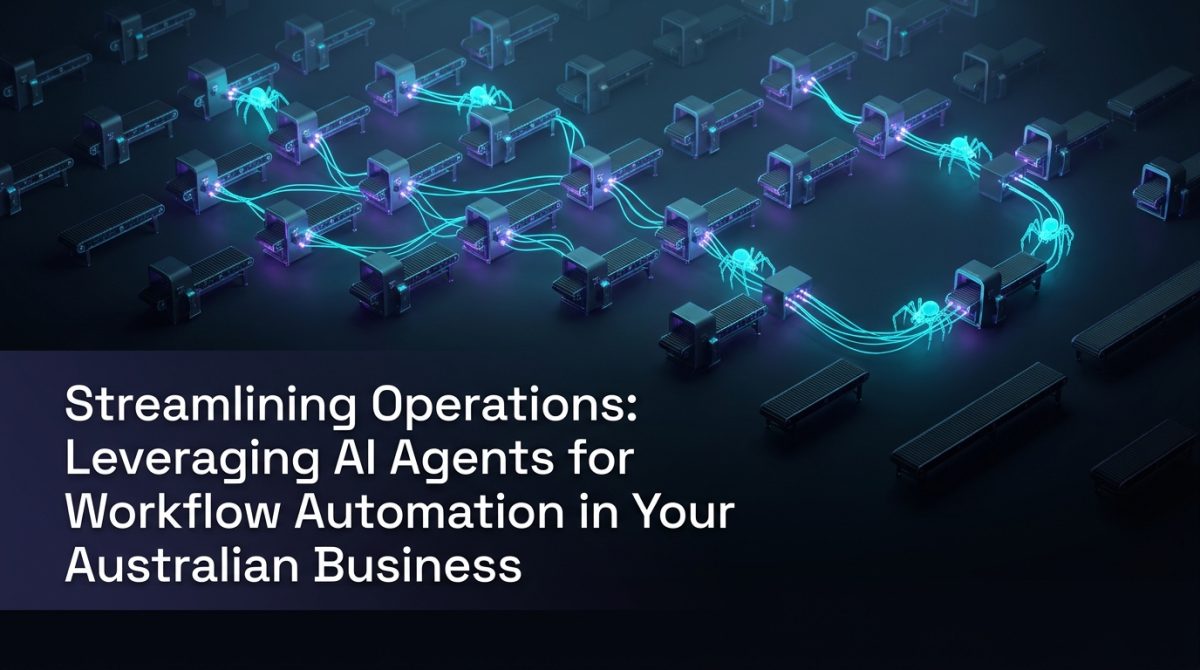
AI agents are software systems that perceive inputs, make decisions, and take actions across one or more tools or systems to complete a defined goal. They differ from traditional automation in one critical way: they can handle ambiguity. A standard automation breaks when an invoice arrives in an unexpected format. An AI agent reads the invoice, extracts the relevant fields, flags the anomaly, and routes it appropriately - without a human rewriting the rule.
In practice, Australian businesses are deploying agents across four core categories:
- Document processing - extracting structured data from unstructured inputs (PDFs, emails, forms)
- Communication handling - drafting, routing, and responding to internal and external messages
- Data orchestration - moving, transforming, and syncing data between systems like CRMs, ERPs, and databases
- Decision support - surfacing relevant information at the right moment in a workflow to accelerate human decisions
The distinction between agentic AI and a simple chatbot is architectural. A chatbot responds. An agentic AI system plans, executes steps, checks outcomes, and adjusts. For enterprise AI deployments, this distinction determines whether automation genuinely reduces load or just adds a conversational interface to the same manual process.
How to Identify Which Workflows Are Ready for Automation
Not every process is a good candidate for AI automation. The highest-value targets share three characteristics: they are repetitive, they involve structured or semi-structured data, and they currently require human time disproportionate to the cognitive effort involved.
Here's a practical method for identifying automation candidates in your business:
- Map your recurring workflows - List every process that runs more than once per week. Include both internal operations (HR onboarding, finance approvals) and external-facing ones (client intake, support triage).
- Score by volume and handling time - Multiply the number of times a task occurs per month by the average minutes it takes a person to complete it. Processes scoring above 500 minutes per month are priority candidates.
- Assess data structure - Tasks involving consistent data inputs (forms, emails with predictable formats, spreadsheet updates) are easier to automate reliably than those requiring contextual interpretation.
- Identify handoff points - Workflows with multiple handoffs between people or systems carry the highest automation ROI, because each handoff introduces delay and error risk.
- Check integration feasibility - Confirm that the systems involved have APIs or can be accessed via tools like Make, n8n, or direct SDK integrations. Legacy systems without APIs require additional middleware.
- Pilot before scaling - Select one workflow from your priority list, build a contained automation, measure it for four weeks, then expand.
Australian businesses that follow this structured approach typically see a 35-50% reduction in manual handling time within the first three months of deployment.
A Concrete Example: Slackbot AI for Internal Request Management
Consider a mid-sized professional services firm in Brisbane with 80 staff. Their operations team was handling roughly 120 internal requests per week - IT access, expense approvals, document requests, onboarding tasks - all arriving via email with no consistent format and no visibility into status.
The solution was a Slackbot AI agent integrated with their project management system (Asana), HR platform (BambooHR), and a simple approval logic layer built in n8n.
Here's how the workflow operates:
Staff member sends request via Slack →
Agent parses intent and request type →
Pulls relevant context from connected systems →
Routes to correct approver with pre-populated summary →
Approver responds with single-click decision →
Agent executes downstream action (creates task, updates record, sends confirmation) →
Logs outcome and notifies requester
The results after 90 days:
- Average request resolution time dropped from 2.3 days to 4.7 hours
- Operations team reclaimed approximately 18 hours per week
- Error rate on data entry (approver name, dates, task assignment) fell to near zero
- Staff satisfaction with internal services increased measurably in a follow-up survey
The Slackbot AI component was not a complex build. The intelligence came from clear prompt engineering, reliable integrations, and well-defined decision logic - not from deploying a frontier model on every step.
Integration Architecture: Connecting AI Agents to Your Existing Systems
The most common reason AI workflow automation projects stall is underestimating integration complexity. The AI component is rarely the bottleneck - the bottleneck is connecting it reliably to the systems that hold your business data.
A practical integration stack for Australian SMEs and mid-market businesses typically includes:
- Orchestration layer - n8n (self-hosted for data sovereignty), Make, or a custom Python/Node.js backend
- AI reasoning layer - OpenAI GPT-4o, Anthropic Claude, or an Azure OpenAI deployment for businesses with stricter data residency requirements
- Memory and context - A vector database (Pinecone, Weaviate, or pgvector on PostgreSQL) for retrieval-augmented generation where the agent needs access to internal knowledge
- Action layer - API connections to your CRM, ERP, HRIS, or communication tools
For businesses operating under Australian Privacy Act obligations, data residency matters. Azure OpenAI's Australian East region and AWS Sydney endpoints give you AI inference without data leaving Australian jurisdiction - a non-negotiable for certain industries including healthcare, legal, and financial services.
Process optimisation at the integration layer means designing for failure states, not just happy paths. Every agent workflow needs defined fallback behaviour: what happens when an API times out, when a document is unreadable, when an approval is overdue. Agents that fail silently create more operational risk than the manual process they replaced.
Measuring ROI Before You Build
Committing budget to AI workflow automation without a quantified business case is how projects lose executive support. The measurement framework is straightforward.
Calculate the baseline cost:
- Hours per month spent on the target process × average fully-loaded hourly cost of the staff involved
Estimate the automation saving:
- Projected reduction in manual handling time (typically 60-80% for well-scoped workflows) × baseline cost
Account for build and maintenance costs:
- Development time, platform licensing, ongoing monitoring and updates (budget approximately 20% of initial build cost per year for maintenance)
Calculate payback period:
- Total build cost ÷ monthly saving = months to break even
A well-scoped workflow automation project for an Australian SME typically costs between $8,000 and $25,000 to build and reaches break-even within 3-6 months. Enterprise AI deployments with broader scope have longer payback periods but proportionally larger savings.
If you want a structured estimate for your specific situation, our AI ROI calculator can help you model the numbers before committing to a build.
What to Do Next
If you're ready to move from interest to action, here's where to start:
- Run the workflow audit described in the identification section above. Give it two hours and a spreadsheet. You'll surface three to five candidates immediately.
- Pick the smallest high-value target - the one with the highest volume-to-effort ratio and the cleanest data inputs. Build confidence with a contained win before tackling complex workflows.
- Get your integration inventory sorted - document what systems you're running, whether they have APIs, and who owns the credentials. This is the step most teams skip and then regret.
- Define success metrics before you build - resolution time, error rate, hours reclaimed. You need a before-state measurement to demonstrate the after-state improvement.
- Engage a specialist if the build scope exceeds your internal capability - a good AI automation agency in Australia will scope, build, and hand over documented workflows, not create dependency.
AI workflow automation in Australia is no longer an emerging practice - it's operational infrastructure. The businesses building it now are compressing months of manual work into hours and redirecting skilled staff toward work that actually requires them.
Frequently Asked Questions
Q: What is AI workflow automation?
AI workflow automation is the use of artificial intelligence - including large language models and agentic systems - to execute multi-step business processes with minimal human intervention. Unlike rule-based automation, AI workflow automation handles variable inputs, reasons about context, and manages exceptions without requiring manual reconfiguration.
Q: How long does it take to implement an AI agent for a business workflow in Australia?
A well-scoped, single-workflow AI agent typically takes two to six weeks to build, test, and deploy, depending on integration complexity. Businesses with clean APIs and documented processes move faster; those with legacy systems or undocumented workflows require additional discovery time before build begins.
Q: Which business processes are best suited to AI workflow automation?
Processes that are repetitive, involve structured or semi-structured data, and require disproportionate human time relative to cognitive effort are the strongest candidates. Common examples include document processing, internal request management, client intake, data synchronisation between systems, and approval routing.
Q: Is AI workflow automation suitable for small and medium Australian businesses, or only enterprise?
AI workflow automation is viable for businesses of any size, provided the target workflow has sufficient volume to justify the build cost. Australian SMEs with 20 or more staff typically find strong ROI in automating internal operations, customer communications, and data management tasks, with payback periods of three to six months on well-scoped projects.