Why Most Enterprise Chat Tools Are Leaving Productivity on the Table
Australian businesses are spending thousands per month on Slack, Microsoft Teams, and collaborative platforms like Cowork - yet the majority use them as little more than expensive email replacements. The real opportunity isn't in the messaging. It's in what sits on top of it. Enterprise AI agents embedded directly into these platforms represent one of the most immediate, measurable returns available in the current AI landscape, and accessing that return is exactly where AI consulting services Australia businesses are increasingly turning to specialists.
The gap between "we have Slack" and "we have an AI-augmented workforce" is not a technology gap. It's a strategy gap. This article explains how to close it.
What Enterprise AI Agents Actually Are
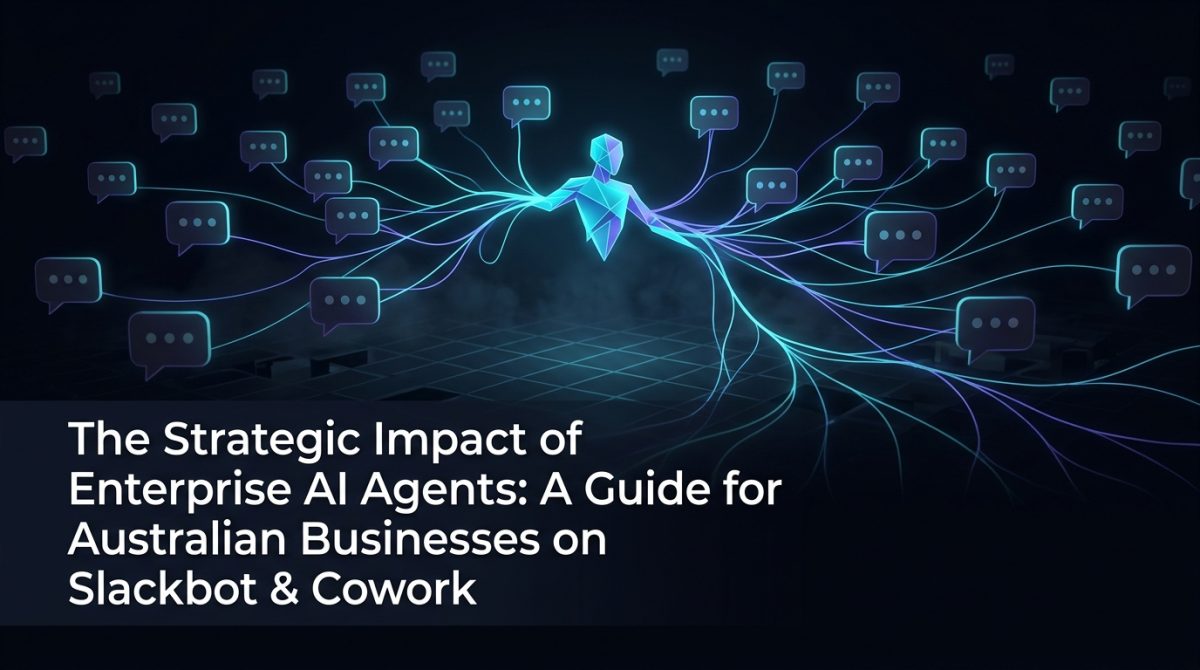
Enterprise AI agents are autonomous software systems that perceive context, make decisions, and take actions within a defined environment - without requiring a human to initiate each step. Unlike a chatbot that responds to direct queries, an agent monitors triggers, executes multi-step workflows, calls external APIs, and reports outcomes.
In the context of Slack or Cowork, this looks like:
- A support agent that triages incoming tickets, queries your CRM, drafts a response, and escalates only when confidence is below a defined threshold
- A project management agent that reads standup updates, detects blockers, and pings the relevant stakeholder - without a project manager manually reviewing each message
- A compliance agent that flags messages containing sensitive data patterns and logs them to your governance system in real time
The distinction matters because agents replace workflow steps, not just answer questions. That's where the productivity gain compounds.
The Business Case: Where the Numbers Come From
The measurable ROI from enterprise AI agents comes from three specific areas: reduction in context-switching, elimination of manual handoffs, and acceleration of information retrieval.
Research published by Atlassian reports that knowledge workers switch between applications an average of 1,100 times per day. (figures from Atlassian's published workplace research; exact numbers vary by study) Each switch carries a cognitive reloading cost estimated at 23 minutes of reduced focus. AI agents embedded in your existing communication platform collapse this by bringing data and actions to where your team already works.
In practical terms, a mid-sized Australian professional services firm deploying a Slack-based AI agent for internal IT support can expect:
- 40-60% reduction in tickets escalated to senior engineers, as the agent resolves Tier 1 issues autonomously
- Response time dropping from 4 hours to under 3 minutes for common requests like password resets, software access, and policy queries
- Analyst time savings of 6-8 hours per week per team, previously spent on status updates and manual reporting
These aren't aspirational figures. They reflect what competent implementation actually delivers when the agent is properly scoped, trained on your internal data, and integrated with your existing tooling.
How to Deploy an AI Agent in Slack or Cowork: A Practical Framework
Deploying an enterprise AI agent in a workplace communication tool is a structured process. Follow these steps to move from concept to production without common failure points.
Step 1: Define the agent's scope before touching any tooling. Choose one workflow that is high-frequency, rule-based, and currently handled manually. IT helpdesk, leave request routing, and new employee onboarding are reliable starting points. Avoid starting with anything that requires nuanced human judgement.
Step 2: Map the data sources the agent needs to access. An agent is only as useful as the systems it can query. Identify whether it needs read/write access to your CRM, HRIS, project management tool, or internal knowledge base. Document the authentication requirements for each.
Step 3: Select your agent framework. For Slack, the most production-ready options are OpenAI Assistants API with function calling, or LangChain agents with a Slack Bolt integration. For Cowork, the platform's native automation layer can be extended with webhook-based agent triggers. Choose based on your team's existing technical capability and your compliance requirements around data residency.
Step 4: Build the tool definitions, not just the prompt. The agent's intelligence comes from well-defined tools - discrete functions it can call to retrieve or write data. A poorly defined tool schema is the most common cause of agent failure in production. Each tool should have a clear name, description, and typed parameters.
{
  "name": "get_employee_leave_balance",
  "description": "Retrieves the current leave balance for a given employee ID from the HRIS system.",
  "parameters": {
    "type": "object",
    "properties": {
      "employee_id": {
        "type": "string",
        "description": "The unique identifier for the employee."
      }
    },
    "required": ["employee_id"]
  }
}
Step 5: Run a controlled pilot with real users. Deploy to a single team of 10-20 users for four weeks. Measure containment rate (percentage of requests resolved without human escalation), user satisfaction, and error rate. Use this data to refine tool definitions and system prompts before broader rollout.
Step 6: Establish a governance and monitoring layer. Every agent action should be logged. Define escalation paths for low-confidence responses. Assign a human owner responsible for reviewing the agent's weekly performance report. Workplace automation without oversight is a liability, not an asset.
A Concrete Example: Legal Services Firm, Brisbane
A Brisbane-based legal services firm with 85 staff was using Slack for internal communication but managing all matter updates, document requests, and client status queries through email and manual Slack messages. Senior associates were spending an estimated 90 minutes per day on internal coordination that didn't require their expertise.
Working with an AI consulting services Australia provider, they deployed a Slack agent connected to their matter management system and document repository. The agent handled:
- Status queries ("What's the current status on matter #4821?") resolved in under 10 seconds
- Document retrieval requests routed and fulfilled without PA involvement
- Automated daily matter summaries posted to relevant channels each morning
After eight weeks, senior associate coordination time dropped by 65 minutes per day on average. The firm calculated a direct productivity recovery of approximately $340,000 annually, based on billable rate displacement. The agent cost less than $18,000 to build and deploy.
This is a representative outcome for firms that scope their first agent correctly and invest in proper integration work rather than off-the-shelf tools that don't connect to their existing systems.
Fitting Agent Strategy Into Your Broader AI Roadmap
A single Slack agent is a starting point, not a destination. The firms that extract the most value from enterprise AI agents treat each deployment as a module in a larger architecture - one where agents share memory, hand off tasks between each other, and feed into centralised reporting systems.
This is where ai-native transformation becomes a meaningful concept rather than a marketing phrase. An ai-native organisation doesn't bolt AI onto existing processes. It redesigns processes with AI as a first-class participant.
Reaching that state requires a structured AI strategy - one that sequences deployments by impact and complexity, establishes data infrastructure before it's urgently needed, and builds internal capability alongside external tooling. Developing that strategy is a core part of what specialist AI consulting services in Australia deliver, particularly for businesses that are past the proof-of-concept stage and need a credible path to scale.
If your organisation is at the "we've done one pilot, what now?" stage, an AI strategy and governance engagement provides the sequencing and architecture decisions that prevent costly rework later.
What to Do Next
If you're running Slack or Cowork and haven't deployed at least one AI agent, you're carrying a productivity cost that compounds every month. Here's a direct sequence to act on:
- Identify your highest-frequency manual workflow inside your communication platform. Count how many times it happens per week and who handles it.
- Estimate the time cost. Multiply weekly occurrences by average handling time by the loaded hourly rate of the person doing it.
- Determine whether the workflow is rule-based enough to automate. If a new employee could follow a checklist to complete it, an agent can handle it.
- Engage a specialist. Building agents in-house without prior experience extends timelines by 3-6 months and introduces reliability risks. Working with experienced AI consulting services in Australia compresses that to 4-8 weeks for a production-ready deployment.
- Start with one agent, measure rigorously, then expand. The data from your first deployment is what justifies the second and third.
The technology is mature. The frameworks are stable. The remaining variable is whether your organisation has a clear enough strategy to deploy it well.
Frequently Asked Questions
Q: What is an enterprise AI agent?
An enterprise AI agent is an autonomous software system that perceives inputs, makes decisions based on defined logic or a language model, and executes actions across connected business systems - without requiring a human to trigger each step. Unlike a chatbot, an agent completes multi-step workflows and interacts with external tools such as CRMs, databases, and APIs.
Q: How long does it take to deploy an AI agent in Slack?
A scoped, production-ready AI agent in Slack takes 4-8 weeks to deploy when working with an experienced implementation partner. This includes integration with existing data sources, tool definition, testing, and a pilot rollout. Poorly scoped projects or those without access to clean internal data take significantly longer.
Q: What is the ROI of enterprise AI agents for Australian businesses?
The ROI of enterprise AI agents varies by use case, but well-scoped deployments consistently deliver 40-65% reductions in manual handling time for targeted workflows. For professional services firms billing at $200-$400 per hour, recovering even one hour per day per senior staff member produces six-figure annual returns from a single agent deployment.
Q: Do I need AI consulting services in Australia to deploy a Slack AI agent?
You do not strictly need external support, but the failure rate for in-house first-time agent deployments is high due to tool schema errors, integration complexity, and lack of governance frameworks. Engaging AI consulting services in Australia reduces time to production by 60-70% and significantly improves the reliability of the initial deployment.