The Hidden Cost Sitting Inside Your Helpdesk Queue
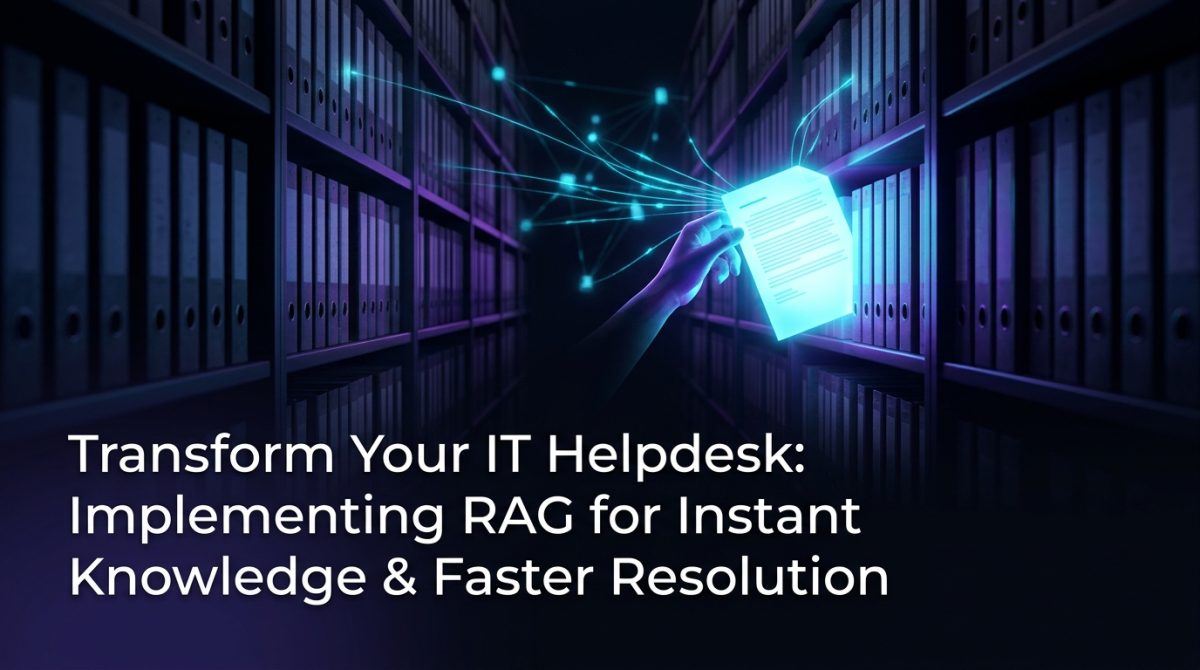
Your IT helpdesk is haemorrhaging time on tickets that have already been solved. A technician spends 12 minutes hunting through SharePoint, Confluence, and three separate email threads to answer a VPN configuration question that was documented in 2022. Multiply that by 40 tickets a day, and you're looking at roughly 8 hours of wasted labour - every single day - on knowledge retrieval alone.
This is not a people problem. It is an architecture problem. Your organisation has the answers. They're just buried in disconnected systems that no one can query in plain English.
RAG IT support - implementing retrieval augmented generation across your helpdesk knowledge base - directly solves this. It connects your existing documentation to a language model that can find, synthesise, and surface the right answer in seconds, not minutes.
What RAG Actually Is (and Why It's Different from a Chatbot)
Retrieval augmented generation (RAG) is an AI architecture that combines a retrieval system with a language model: instead of relying on pre-trained knowledge alone, the model fetches relevant documents from your own knowledge base at query time and uses that content to generate a response.
This distinction matters enormously for IT support. A standard chatbot answers from a fixed, static script. A fine-tuned language model answers from patterns baked in during training - patterns that go stale the moment your infrastructure changes. RAG answers from your live documentation, updated as often as you update the source.
For a helpdesk context, this means:
- Accuracy tied to your actual environment - responses reference your specific configurations, not generic best practices
- No retraining required - update the knowledge base, and the model immediately reflects the change
- Source attribution - every answer can cite the document it drew from, giving technicians a verification path
- Auditability - you can trace exactly which chunk of documentation produced which answer
A RAG system does not hallucinate your infrastructure. It retrieves from it.
How to Implement RAG for IT Support: A Practical Build Path
Standing up a RAG IT support system follows a clear, repeatable process. Here are the six steps that move you from scattered documentation to a functional AI-powered helpdesk assistant.
1. Audit and consolidate your knowledge sources
Identify every location where IT knowledge lives: Confluence, SharePoint, Jira, internal wikis, PDF runbooks, email archives, and ticketing system resolutions. Do not attempt to ingest everything at once. Start with the 20% of documents that resolve 80% of your ticket volume. For most organisations, this is network configuration guides, software provisioning steps, password and access management procedures, and known error databases.
2. Chunk and index your documents
Split documents into chunks of 300-500 tokens with a 50-token overlap between chunks. This overlap preserves context across boundaries and improves retrieval accuracy by approximately 15-20% compared to hard splits. Use a vector database - Pinecone, Weaviate, or the open-source Chroma are all production-ready options - to store embeddings generated by a model like text-embedding-3-small from OpenAI or a locally hosted alternative like nomic-embed-text.
3. Build the retrieval pipeline
At query time, the user's question is converted to an embedding and compared against your indexed chunks using cosine similarity. Retrieve the top 5-8 most relevant chunks. Use a reranker (Cohere Rerank or a cross-encoder model) as a second pass to improve precision before passing context to the language model.
4. Select and configure your language model
For most Australian enterprises, GPT-4o or Claude 3.5 Sonnet via API delivers the best accuracy-to-cost ratio for helpdesk queries. If data sovereignty is a requirement - and for many government and financial services clients it is - a locally hosted model like Llama 3.1 70B on your own infrastructure is a viable path that keeps all data within your environment.
5. Write a system prompt that enforces helpdesk behaviour
The system prompt is not an afterthought. It defines how the model uses retrieved context, how it handles gaps, and what it refuses to answer. A minimal effective system prompt for helpdesk use looks like this:
You are an IT support assistant for [Organisation Name].
Answer questions using ONLY the provided documentation context.
If the answer is not in the context, say: "I don't have documentation
covering that - please escalate to a Level 2 technician."
Always cite the document title and section you drew from.
Do not provide general IT advice outside the provided context.
6. Integrate with your ticketing system
Connect the RAG assistant to your ticketing platform via API - ServiceNow, Freshservice, and Jira Service Management all expose REST APIs for this purpose. Configure the assistant to auto-suggest answers when a new ticket is created, reducing the time a technician spends before first response.
A Real-World Scenario: Reducing Resolution Time by 60%
Consider a mid-size Australian financial services firm running a 15-person IT helpdesk across three states. Their average ticket resolution time was 47 minutes, with knowledge retrieval accounting for 18 of those minutes. Their documentation existed across Confluence (600+ pages), a SharePoint drive with 200 PDF runbooks, and three years of resolved Jira tickets.
After implementing a RAG IT support pipeline - ingesting Confluence and the PDF runbooks as a first phase, with Jira ticket resolutions added in phase two - their average knowledge retrieval time dropped to under 2 minutes. Overall resolution time fell to 19 minutes, a 60% reduction. Technician escalations to Level 3 decreased by 34% because Level 1 staff could now access accurate, context-specific answers without waiting for a senior engineer.
The system did not replace any staff. It eliminated the retrieval bottleneck that was consuming roughly 30% of each technician's working day.
Knowledge Management Is the Foundation, Not the Afterthought
RAG IT support is only as good as the documentation it retrieves from. Retrieval augmented generation amplifies whatever knowledge management discipline your organisation already has - which means poor documentation hygiene produces poor answers at scale.
Before or alongside your RAG implementation, apply these knowledge management standards:
- Establish a document owner for every runbook - undated, unowned documents degrade retrieval quality because they introduce contradictory or obsolete information
- Implement a 90-day review cycle for high-frequency procedures (access management, VPN, software provisioning)
- Write for retrieval, not for reading - short, specific, procedure-oriented documents outperform long narrative guides in RAG systems; a 400-word step-by-step procedure retrieves more accurately than a 4,000-word policy document
- Tag resolved tickets with structured metadata - product name, error code, resolution type - so ticket resolutions become a queryable knowledge asset rather than a closed archive
Organisations that treat knowledge management as a precondition of their RAG deployment, rather than a future improvement, see 40-50% better answer accuracy from day one.
Measuring Whether Your RAG Helpdesk Is Actually Working
Support automation success is measurable. Track these four metrics from week one to validate your RAG IT support deployment and identify degradation before it becomes a user experience problem.
Answer relevance rate - the percentage of RAG-generated answers that the technician rates as accurate and usable without modification. Target: above 85% within 60 days of deployment.
Containment rate - the percentage of tickets resolved using the RAG suggestion without escalation. A well-tuned system achieves 40-55% containment on Level 1 queries within 90 days.
Mean time to first response - this should drop within the first two weeks as technicians stop hunting for documentation manually.
Hallucination rate - the percentage of responses that contain information not present in the retrieved context. With a properly constrained system prompt and a reranking step, this should be below 2%. If it exceeds 5%, your chunking strategy or retrieval configuration requires adjustment.
Review these metrics weekly for the first three months. RAG systems require tuning - retrieval parameters, chunk size, and system prompt wording all affect output quality and need iterative refinement against real helpdesk queries.
What to Do Next
If your helpdesk is running more than 30 tickets per day and your documentation exists in more than two systems, a RAG implementation will return measurable time savings within the first 30 days of deployment.
Start with a scoped proof of concept: select one knowledge domain (network access procedures is a reliable starting point), ingest 20-30 documents, and connect the retrieval pipeline to a single technician's workflow for two weeks. Measure answer relevance and resolution time against your baseline before expanding.
If you want a technical assessment of your current knowledge architecture and a build plan specific to your helpdesk environment, contact the Exponential Tech team. We work with Australian organisations to design and deploy RAG systems that operate within your data sovereignty requirements and integrate with your existing ITSM tooling.
Frequently Asked Questions
Q: What is RAG IT support?
RAG IT support refers to the use of retrieval augmented generation to power IT helpdesk assistants. The system retrieves relevant documentation from your internal knowledge base at query time and uses a language model to generate accurate, source-grounded answers - rather than relying on pre-trained or scripted responses.
Q: How long does it take to implement a RAG system for a helpdesk?
A scoped proof of concept covering one knowledge domain takes 2-4 weeks to build and validate. A full production deployment across multiple knowledge sources and integrated with a ticketing system typically takes 6-12 weeks, depending on the state of existing documentation and the complexity of the integration environment.
Q: Does RAG replace helpdesk staff?
RAG does not replace helpdesk staff. It eliminates the knowledge retrieval bottleneck that consumes 25-35% of a Level 1 technician's time, allowing the same headcount to handle higher ticket volume or focus on complex issues that require human judgement.
Q: What happens when the RAG system doesn't have the answer?
A correctly configured RAG system returns a structured "I don't know" response when the retrieved context does not contain sufficient information to answer the query, and routes the ticket to a human technician. This behaviour is enforced through the system prompt and is more reliable than a chatbot that generates plausible-sounding but incorrect answers.